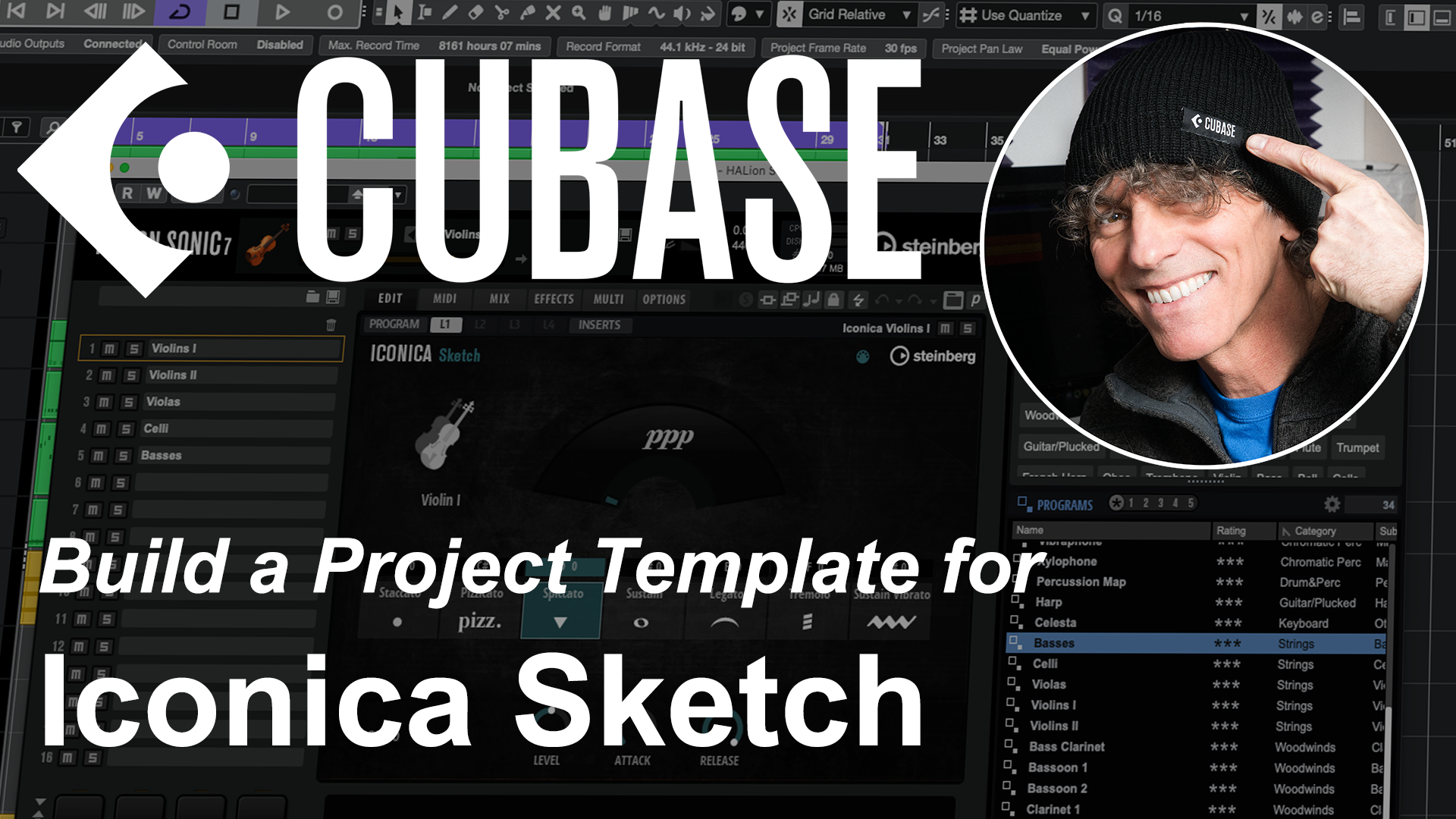
Cubase’s powerful MIDI sequencing features make it a great environment for exploring composing for the orchestra. This might be to add some orchestral elements to a song project, working on a music-to-picture score, or simply to learn more about orchestral arranging.
If you have purchased a recent version of Cubase, then you already have access to the ideal starting point within Steinberg’s Iconica Sketch library. This is included with Cubase, works in Elements, Artist or Pro versions via HALion Sonic and contains sample-based instruments that span all the core elements of the orchestra. You can download and install it from your Steinberg Download Assistant.
However, to keep the composing porocess flowing, it helps to have a fully configured ‘template’ Project all set up and ready to go…. and that’s exactly what’s covered in the YouTube video below. So, if you want to find out more, then just give it a watch….
Oh, and it you want to download a ZIP file containing the Project described within the video, then just sign up here and you will be able to access the Cubase project file to adapt for your own use. Enjoy!
Cubase Essentials course
If you do find this kind of material useful for your own Cubase journey then scoring to picture and working with video are just some of the many topics covered in the my Cubase Essentials course.
Designed from the ground up for those new to Cubase, or new to DAWs/personal recording in general, the course will take you from initially installing Cubase through to confidently exporting your first mix. You can check out all the details – and watch the preview videos – over on the Cubase Essentials Udemy homepage.