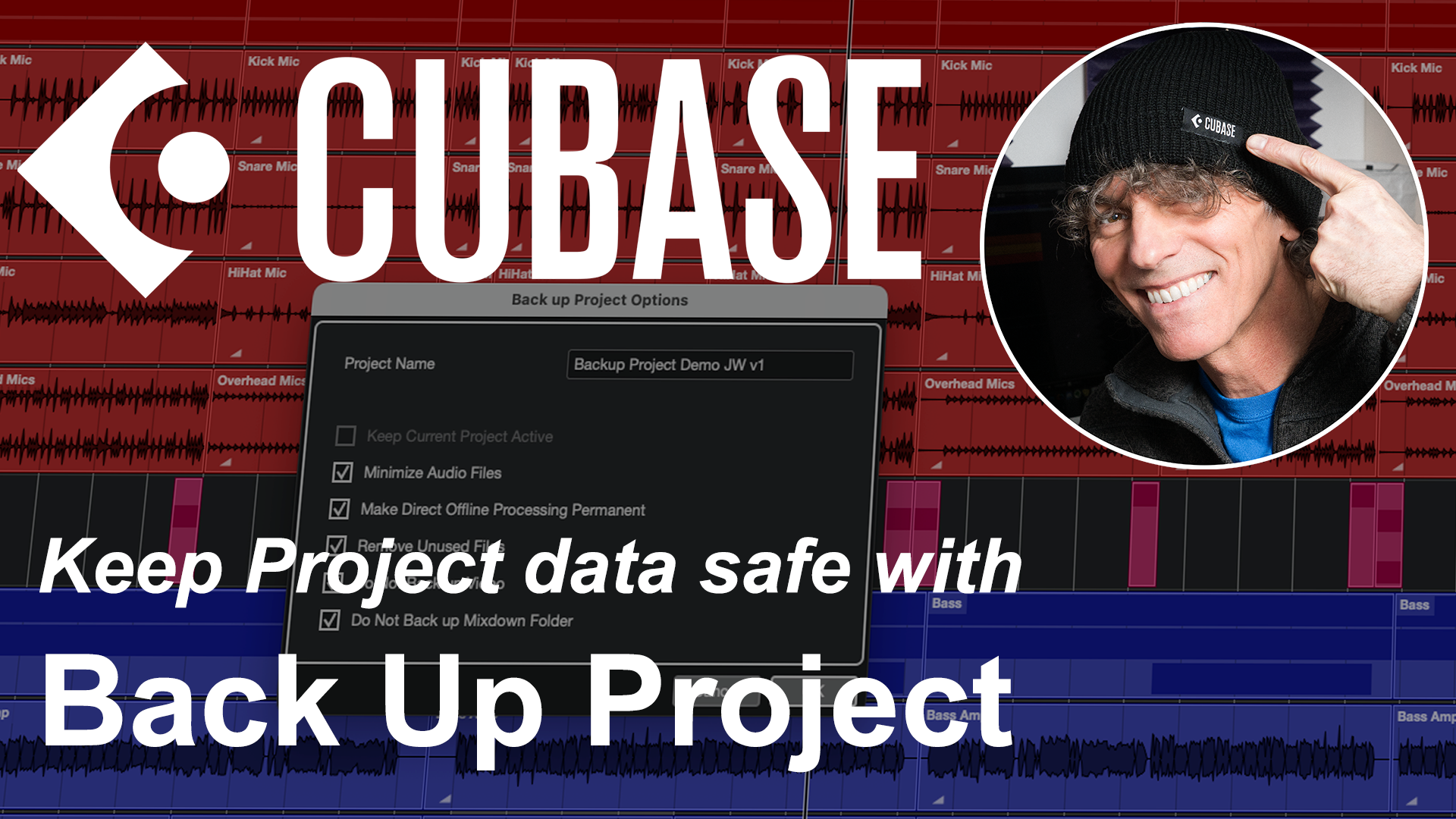
If you have spent some considerable time working on a musical project within Cubase, it would be somewhat frustrating if that project was to disappear due to a hardware failure. But, with computers, s**t sometimes happens…. so a backup strategy is a sensible (if, undeniably, dull) thing to do on a routine basis.
Fortunately, in terms of a basic backup process at least, all versions of Cubase – Elements, Artist and Pro – make this very easy and quick to do. So, if you fancy seeing a step by step guide (and finding out about a couple of limitations to the process that you should be aware of), then watch the video below…. 🙂
If you do find this kind of material useful for your own Cubase journey then managing your Cubase projects is just one of the many topics covered in the my Cubase Essentials course.
Designed from the ground up for those new to Cubase, or new to DAWs/personal recording in general, the course will take you from initially installing Cubase through to confidently exporting your first mix. You can check out all the details – and watch the preview videos – over on the Cubase Essentials Udemy homepage.