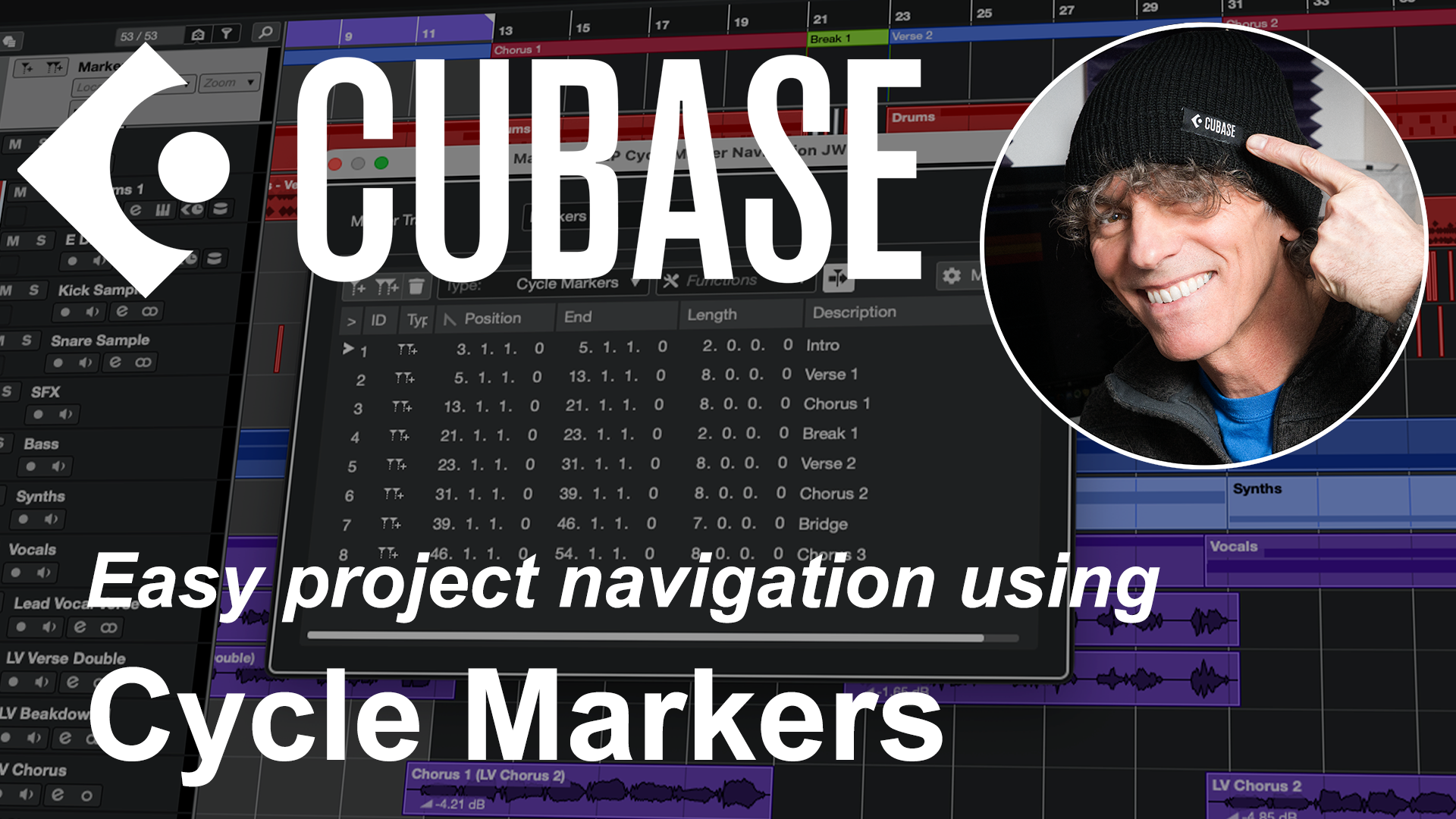
For those relatively new to their Cubase journey, streamlining the way you navigate your Cubase projects can make a huge difference to your experience with the software. And, of course, faster, slicker, navigation through the features you need means more time and energy to focus on the creative aspects of the project….
Key Commands can be a big part of that streamlined workflow (so check out the free ‘Getting started with Key Commands‘ PDF here) but another tool you can put to good use are the Cycle Markers available on the Marker Track. These are available in all the major versions of the software – Elements, Artist and Pro – and they can help in a couple of very useful ways…. So, if you want to find out just what Cycle Markers have to offer, then watch the video below…. 🙂
If you do find this kind of material useful for your own Cubase journey then the Marker Track is just one of the many topics covered in the my Cubase Essentials course.
Designed from the ground up for those new to Cubase, or new to DAWs/personal recording in general, the course will take you from initially installing Cubase through to confidently exporting your first mix. You can check out all the details – and watch the preview videos – over on the Cubase Essentials Udemy homepage.