The ability to record your own musical projects – songs or instrumental compositions – is a tremendously creative and rewarding experience for any performing musician or songwriter. And, while you can book time in a commercial studio, given just how accessible and affordable it now is to put together your own compact recording studio system, and that you can then access 24/7 for your own projects, a ‘home studio’ is a very attractive – and very viable – prospect.
Sat at the heart of the vast majority of most modern home/personal recording setups is a Digital Audio Workstation. This piece of software is the central hub of everything that studio can do; it is, in essence, a virtual recording studio recreated in a software form. Learning how to use your DAW is, therefore, key to being able to realise your ambition to record and mix your own music.
There are a number of highly regarded DAWs you can choose for this role, but my own personal choice is Steinberg’s Cubase. It is one of the most powerful and popular DAW recording platforms available. What’s more, with three members of the Cubase family – Elements, Artist and Pro – going from the essential feature set up to the exceptional feature set, you can pick both a feature set and price point that suits your starting point, knowing that all three versions provide the ‘core’ essential features you need to record, edit, arrange and mix your own music projects.
I’ve been using Cubase for over 25 years and, since 2007, I’ve been writing regular tutorial and workshops on the use of Cubase for Sound On Sound magazine. I can still learn something new about Cubase every time I open the software, but I’d love to share some of the experience and knowledge I’ve gained with the software to help you realise your own recording ambitions.
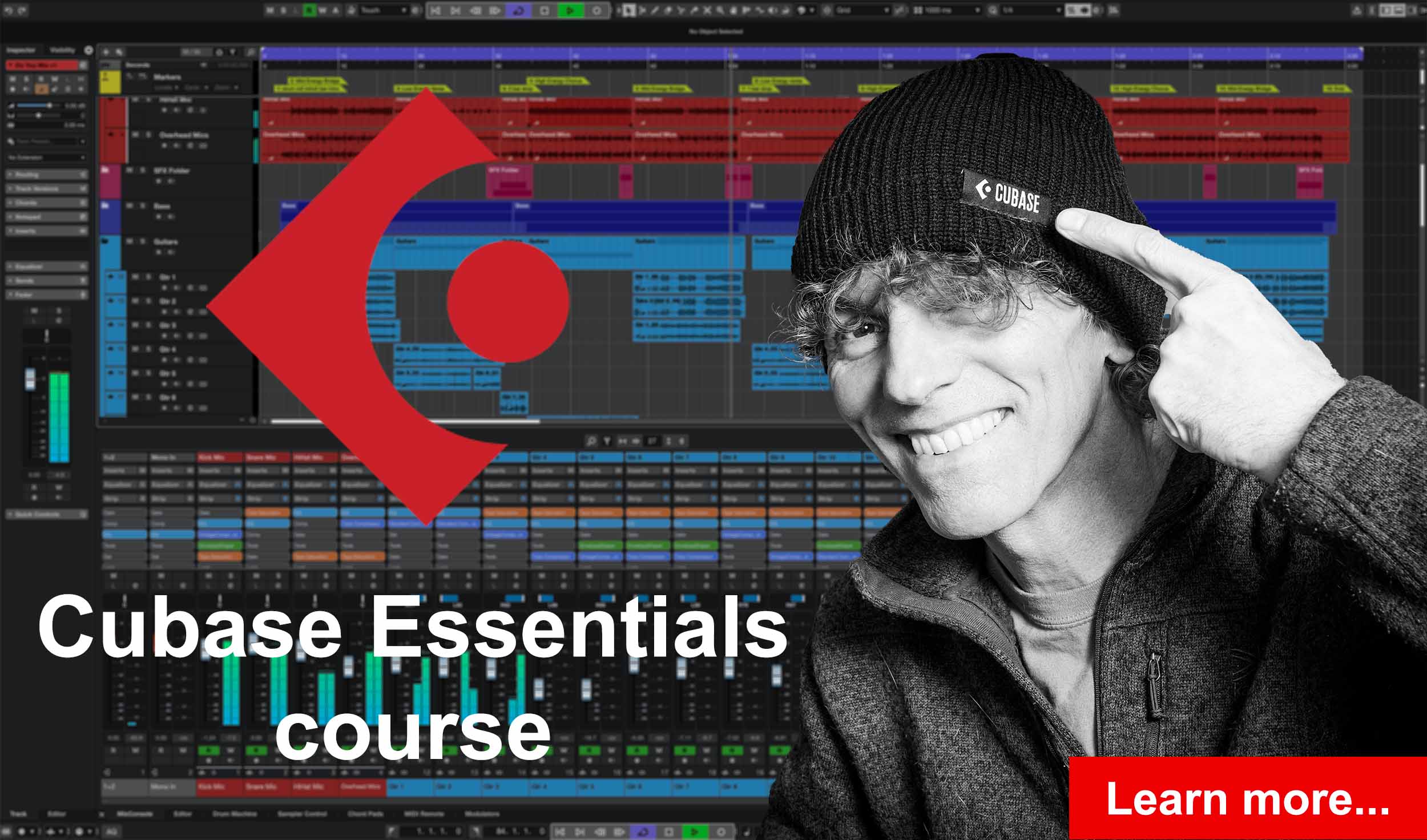
The Cubase Essentials course is intended to do just that. It’s designed to help aspiring music producers and musicians go from struggling to navigate and utilize Cubase effectively, perhaps feeling stuck in their creative process, to becoming proficient and confident users who can complete and produce professional-sounding music projects. By mastering Cubase’s essential features, you can transform your creative ideas into finished recordings, helping you gain the satisfaction and creative freedom you are seeking in your own musical journey.
Interested? Then sign up via the course’s homepage on the excellent Udemy platform…. I’d love to see you inside. Oh, and if that home/project studio is still in the planning stage, then check out my Beginner’s Guide To Creating A Home Recording Studio course – also available on Udemy and absolutely FREE to access – and learn what it takes to turn those plans into reality.
The Beginner’s Guide To Creating A Home Recording Studio course